
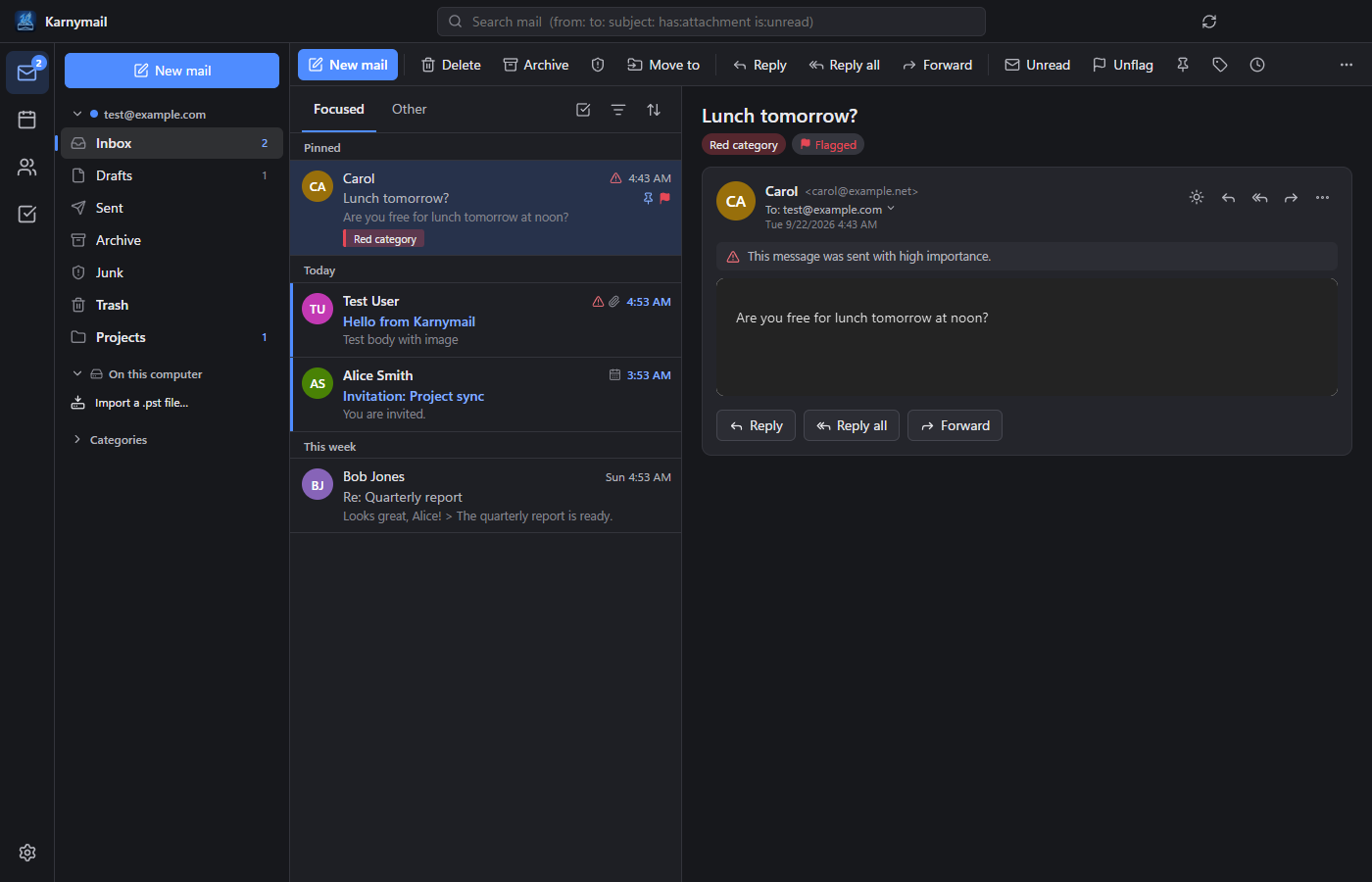
Karnymail's mail view, shown with sample messages.
What Karnymail does
Karnymail brings your email, calendar, contacts and to-do list into one desktop app with a dark design. It connects directly from your computer to the accounts you choose:
- Mail: unified and Focused inboxes, conversations, flags, pins, categories, snooze, scheduled send, undo send, rules, signatures and full-text search.
- Calendar: day, week, month and agenda views, recurring events, reminders and meeting invitations.
- People and To Do: contacts and contact lists, plus tasks with due dates, reminders and flagged email.
- Moving from other apps: import accounts and signatures from Outlook and Thunderbird, and import or create Outlook data files (.pst).
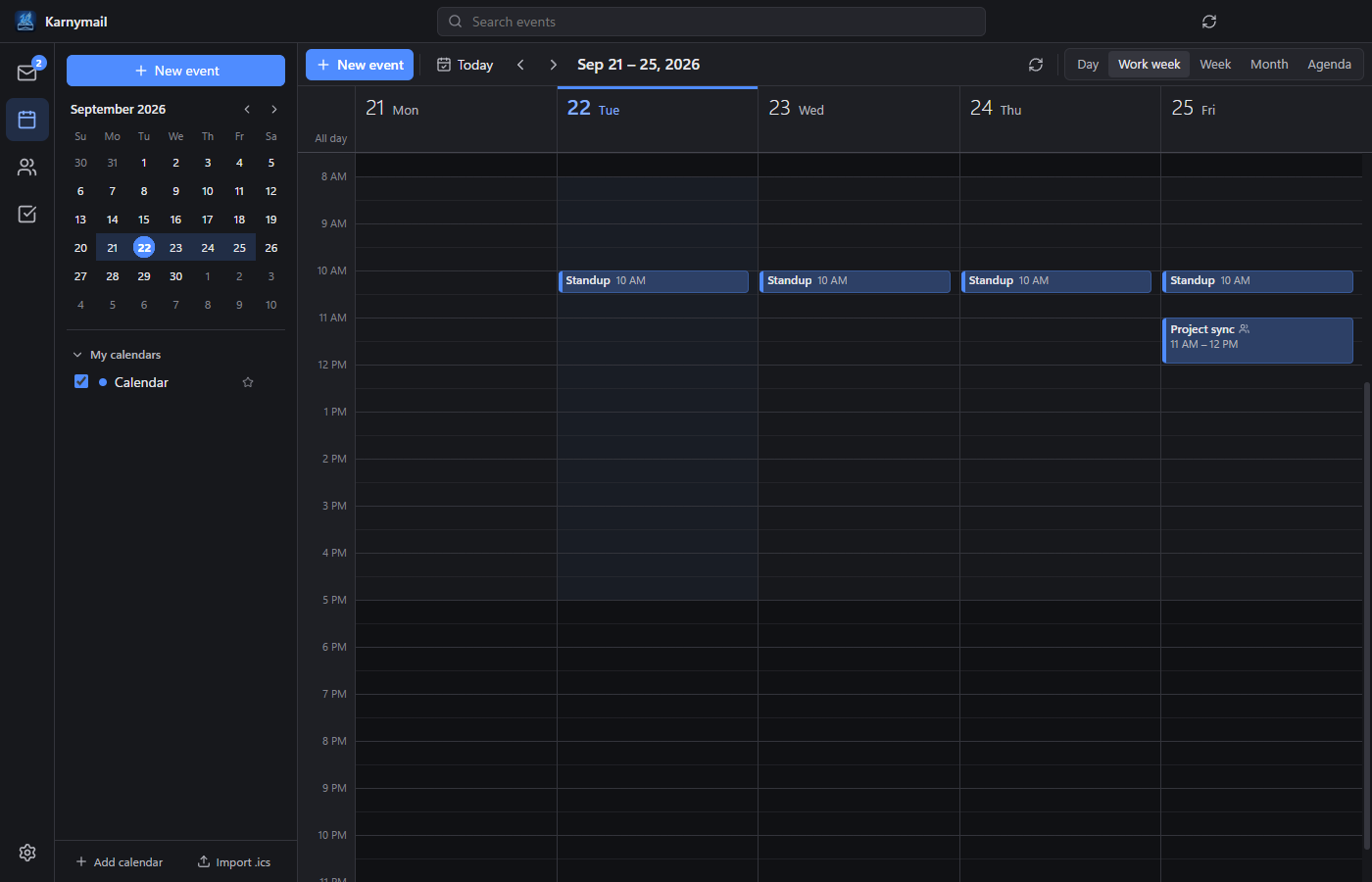
The calendar's work-week view.
How Karnymail uses your Google account
If you connect a Google account, you sign in with Google in your web browser and choose what to allow. Karnymail then uses Google's APIs on your computer to:
- view and manage your Google Calendar events and calendars;
- view and manage your Google Contacts; and
- view and manage your Google Tasks.
Your data goes directly between your computer and Google. Karnytine Labs does not run a server that stores or reads your mail, and your Google data is never sold or used for advertising. Karnymail's use and transfer of information received from Google APIs adheres to the Google API Services User Data Policy, including the Limited Use requirements. You can remove access at any time at myaccount.google.com/permissions.
Gmail itself is not read through Google's APIs: Karnymail sends and receives Gmail over IMAP and SMTP with an app password you create in your Google account. See the Karnymail Privacy Policy for details.
Availability
Karnymail is currently in private testing. For access or questions, contact support@karnytine.com.